
E-PATH project Developer Tools
Snip
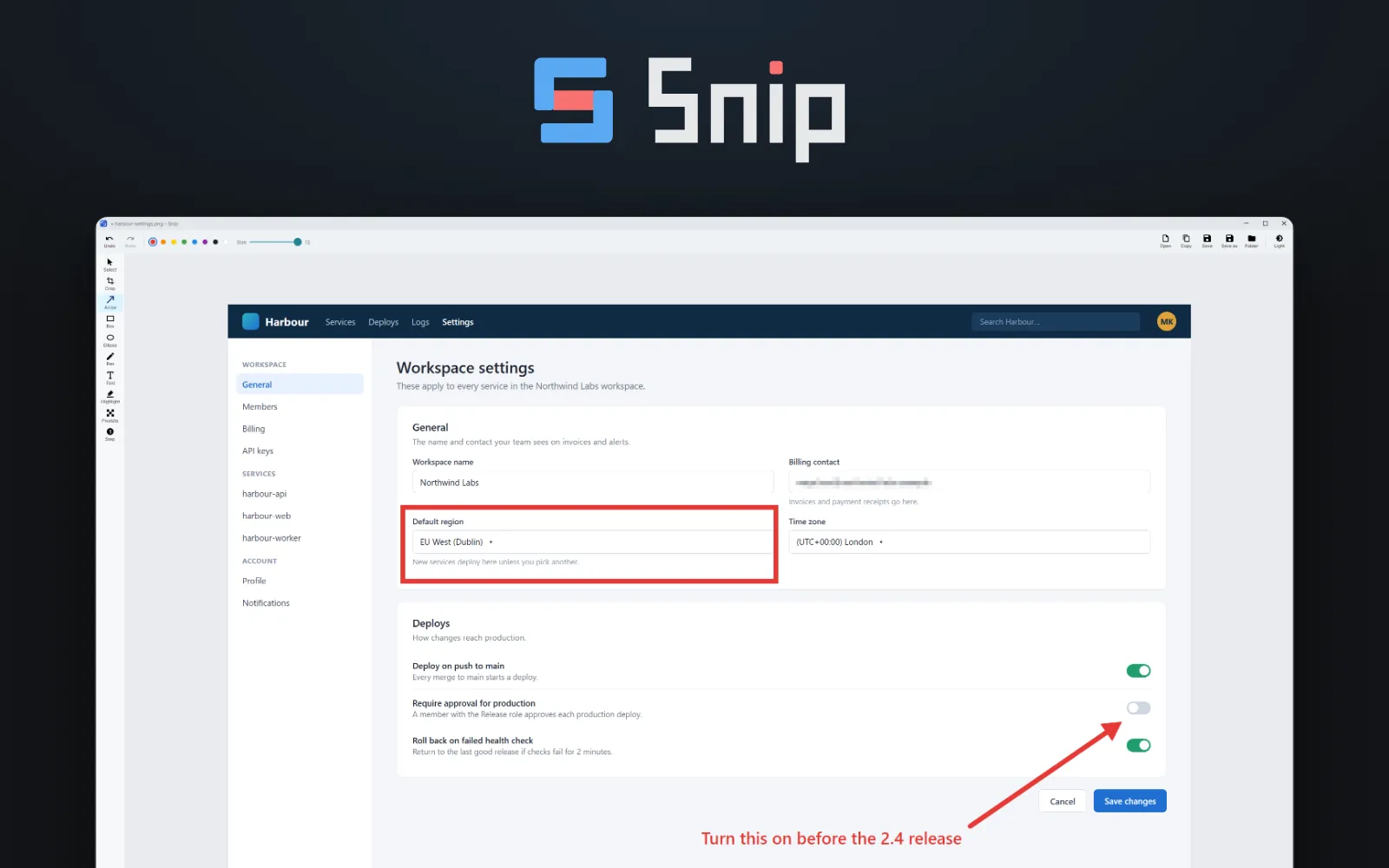
A screenshot tool for Windows that freezes the screen, takes a region, a window or a whole monitor, and opens the shot straight into its own annotation editor.
- Status
- Live
- Year
- 2026
- Public repository
- github.com/paulepath/snip
The problem
Taking a screenshot is one keystroke; doing anything useful with it is not. The shot lands in a folder, and marking up the one part that matters means opening something else, finding the file again, and drawing inside a canvas that stops at the edge of the picture - so an arrow pointing at a detail has nowhere to start and a label has nowhere to sit. The tool that does the capture and the tool that does the explaining are rarely the same one, and the gap between them is where a screenshot stops being worth sending.
The solution
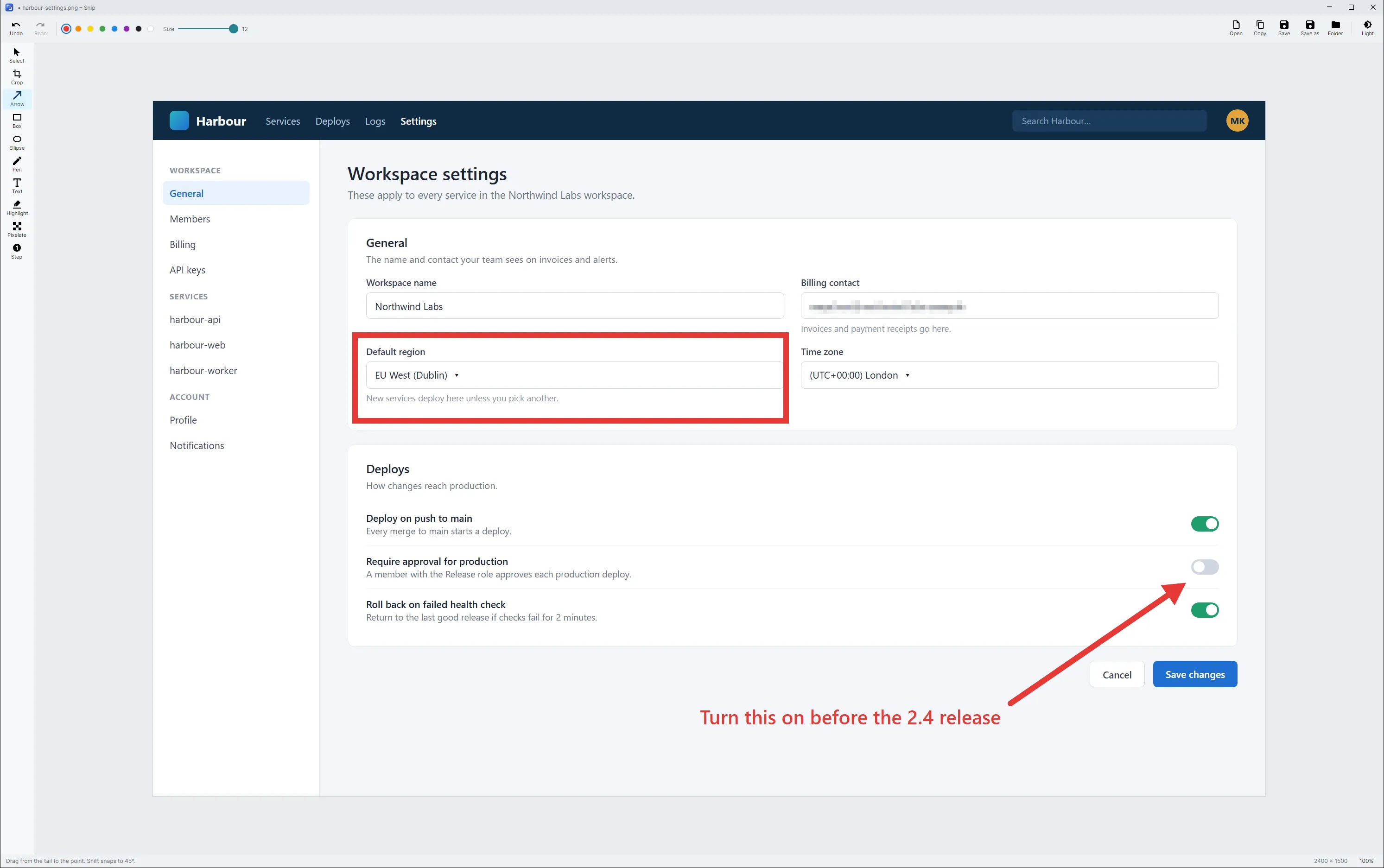
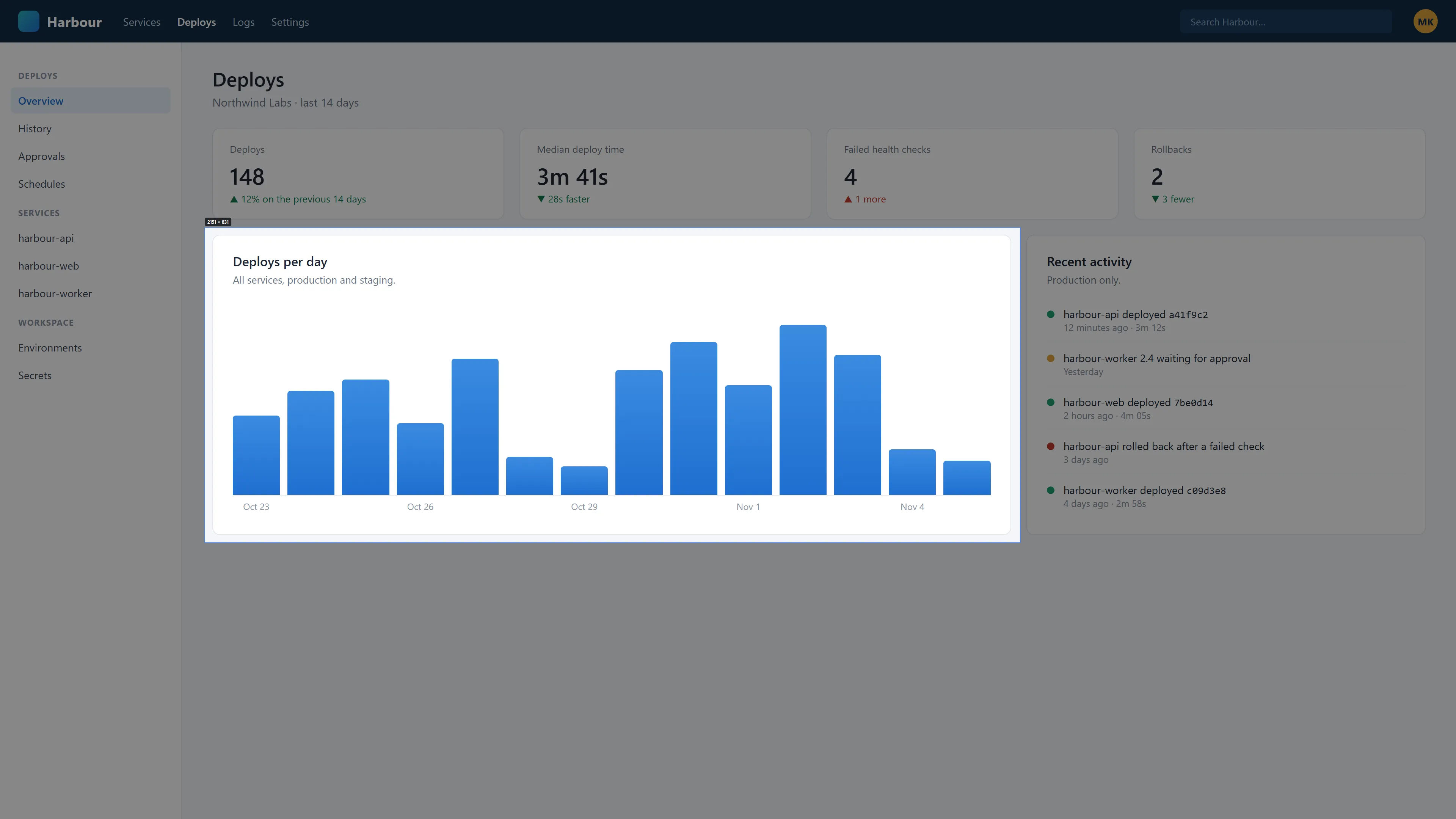
One keystroke that goes all the way. Print Screen freezes the screen; a drag takes a region, a click takes a window, Enter takes the whole monitor. The shot is written to Pictures\Snip, put on the clipboard and opened in an editor built for explaining rather than for painting: arrows, boxes, ellipses, a pen, text, a highlighter, a pixelate tool for anything that should not be read, and numbered steps for walking somebody through a sequence. Marks may be placed outside the picture as well as on it, so an arrow can start in clear space and a label can sit beside the image rather than over it; Copy then returns the whole arrangement on white. It sits in the tray, starts at sign-in and updates itself.
Technical implementation
A screenshot tool whose point is not the capture but the twenty seconds after it.
One keystroke, and the shot is already open. Print Screen freezes what is on screen,
so nothing moves underneath while the selection is being made, and the same keystroke
covers all three cases: drag for a region, click for a window, Enter for the whole
monitor. What comes back is not a file to go and find - it is written to Pictures\Snip,
placed on the clipboard and opened in the editor at once, so the shot can be pasted
straight into a message or marked up first, with no decision in between.
Marks are not confined to the picture. The editor’s canvas is larger than the image it holds, so an arrow can begin in clear space outside the frame and point inwards, and a label can sit beside a screenshot rather than covering the thing it describes. Copy returns the whole arrangement composited on white, which is what the person receiving it needs to see. This is the part that is awkward in a general drawing tool and absent from most capture tools, and it is the reason the editor exists at all.
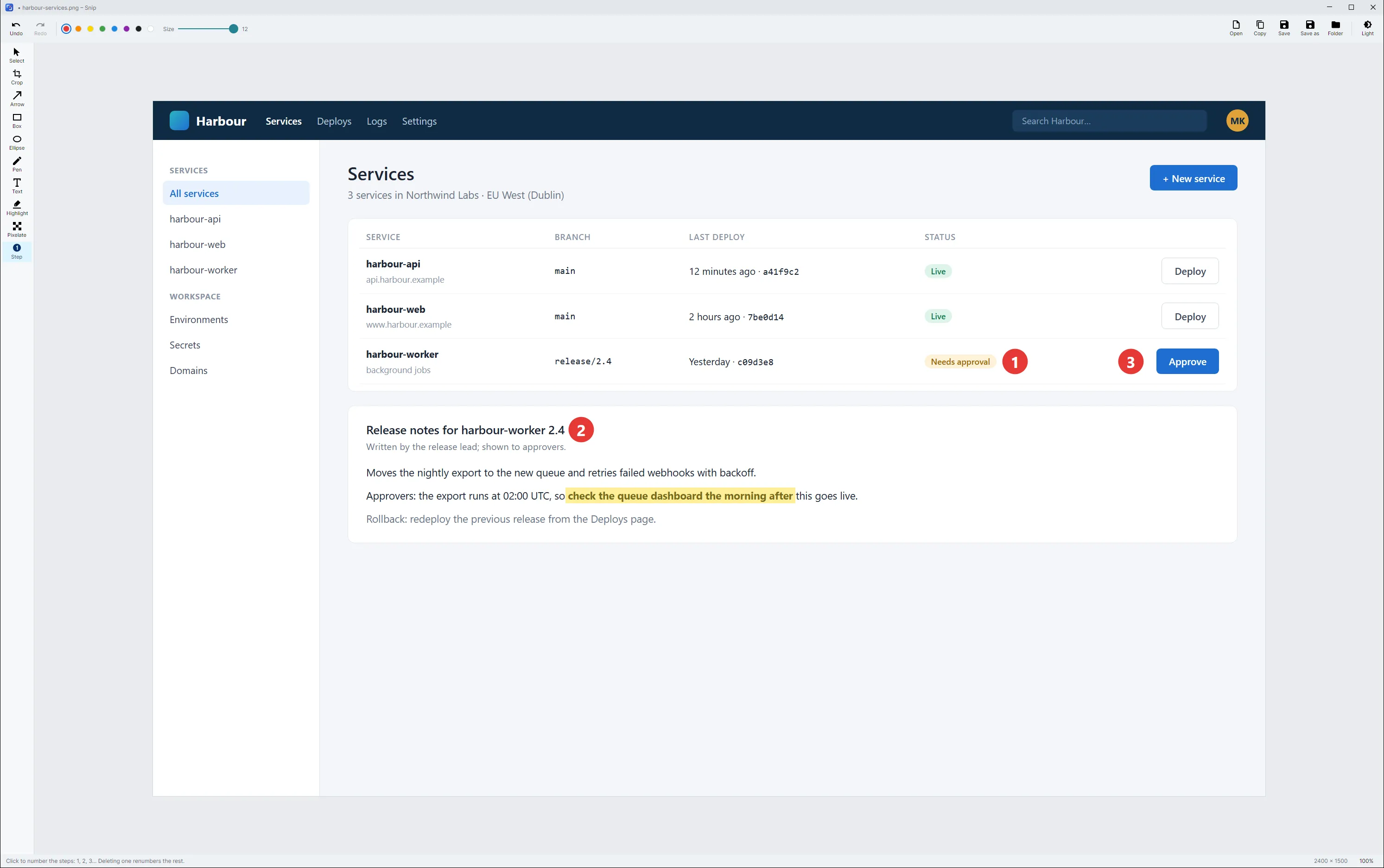
Tools chosen for explaining, not for drawing. Arrows, boxes, ellipses, a freehand pen, text, a highlighter, crop and undo - plus two that earn their place. A pixelate tool, for the parts of a shot that should not be readable by whoever it is sent to. And numbered step markers that count up as they are placed and renumber themselves when one is deleted, so a sequence can be explained in a single picture instead of five.
It captures the wall display as well as the PC. Snip began as the screenshot editor for Pi Dash, the always-on touch panel under the monitors, and kept the connection: while the PC’s mouse has been handed over to the panel, the same keystroke captures what is on the dashboard rather than what is on the desktop. The panel’s capture travels back over the MQTT broker the two already share, and arrives in the same editor as any other shot.
Built as one self-updating Windows application. C# on .NET 10 with an Avalonia interface, packaged and updated by Velopack against GitHub Releases, which is also where the installer is published. It registers the hotkey, lives in the tray and starts at sign-in. The source is public, though the project carries no licence.
Screenshots
Next project
Paediatric Cardiologist Website for Dr Nitha Naqvi
Website for Dr Nitha Naqvi, a paediatric cardiologist in London, built to stay readable for parents and keep enquiries spam-free.
Something similar in mind?
Describe the problem and you will get a straight answer about whether it is something E-PATH can help with.